Transparency · Inventory

One device, one photo set

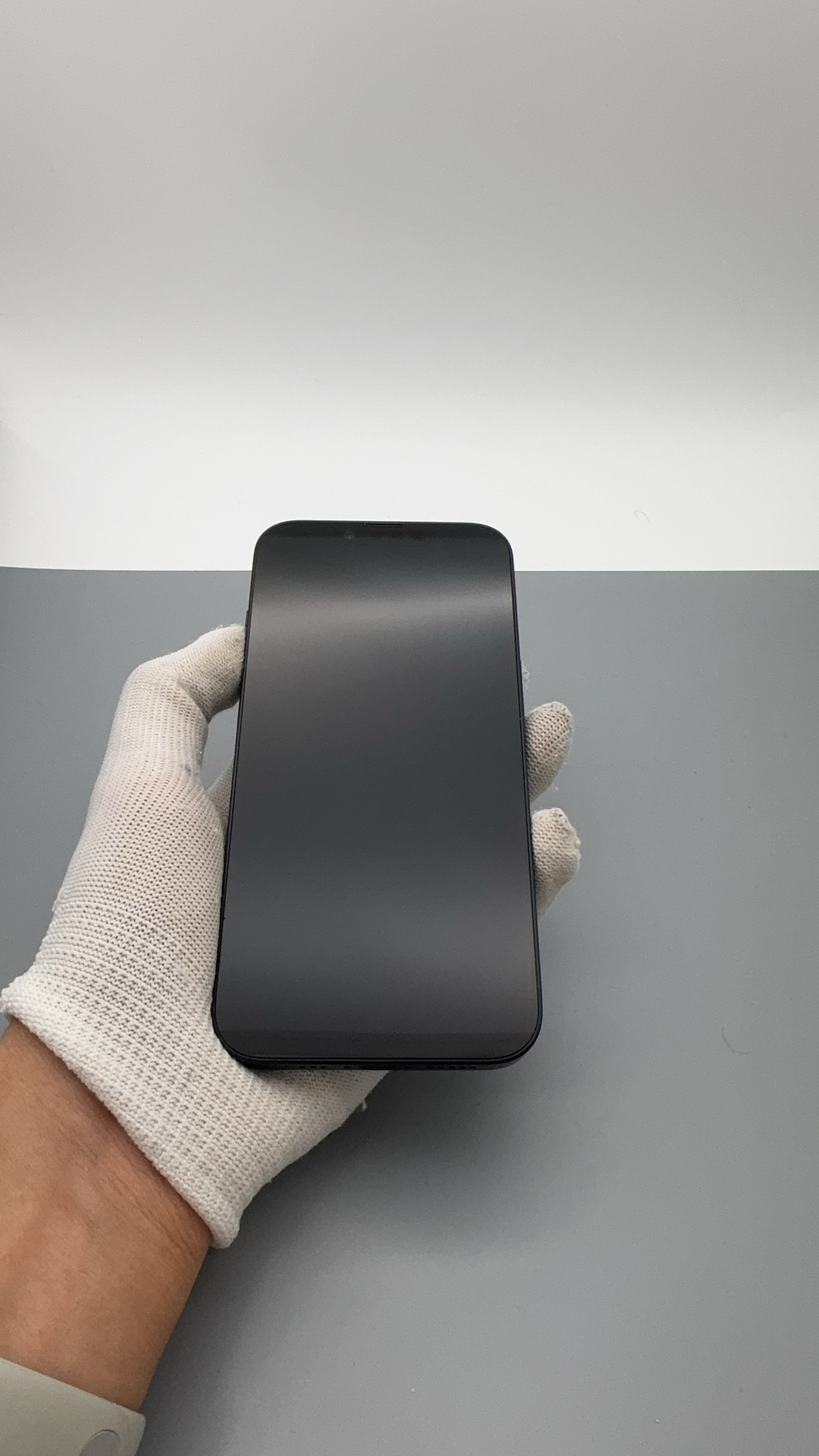
Each listed unit is a real phone with its own serial and its own photos—not a generic model image.

Inspect scratches, color, and wear before you commit. Clear visuals help reduce surprises, returns, and disputes.

What it means

In the used-phone trade, every physical device is unique. We photograph the actual unit you are considering so grades and descriptions match what ships.

See it on a real device

This example uses the same gallery layout as our device report page: one IMEI, multiple real photos, and grades tied to that unit—not a generic product render.

9e2a5572-e61e-4798-b05c-8b6f95a8db8f_353557679062168_qa_1.jpg

Why it matters

Real unit, real photos

Stock rows map to one IMEI. Open the device page to view the carousel and zoom the photos tied to that serial.

Grades you can trust

A+, A, B, and C describe this device's screen, body, and battery—not an average for the whole model line.

Fewer surprises at delivery

When condition is visible up front, you spend less time disputing cosmetic wear that was already shown and graded.

How to shop with it

  1. Browse the device stock hub—each row is one available unit.

  2. Open View details to see that IMEI's photo set, grade, and key attributes.

  3. Compare units side by side, then check out when the photos match your expectations.

See the actual device before you order

Start with real photos per IMEI, then confirm grade and price on the device page.